
Skip to content
sheldon@vslcomputers.com
(727) 524-8443
  • IT Solutions
    • Managed Services
    • Backup & Recover
    • Managed Security
    • VoIP
    • Systems Integration
  • Pricing
  • Resources
    • Blog
    • Videos
    • Downloads
  • About Us
  • FAQ
  • IT Solutions
    • Managed Services
    • Backup & Recover
    • Managed Security
    • VoIP
    • Systems Integration
  • Pricing
  • Resources
    • Blog
    • Videos
    • Downloads
  • About Us
  • FAQ
  • Is your business’s IT prepared for the future?
    Educational

    Is your business’s IT prepared for the future?

    BySheldon Livingston December 3, 2024December 3, 2024

    Is Your Business’s Technology Future-Ready?
    How do you feel about the technology you use in your business? A recent study found that 90% of business leaders felt confident their IT systems today are “best in class”.

    But what about tomorrow?

    The same study revealed:

    Only 39% of business leaders felt confident that their current IT system was future-ready.
    64% worry that their technology might be getting outdated.
    Around half of the tech used by businesses was at its end-of-life.
    When technology is no…

    Read More Is your business’s IT prepared for the future?Continue

  • How to Outsmart the Latest Sophisticated Phishing Scam
    Educational

    How to Outsmart the Latest Sophisticated Phishing Scam

    BySheldon Livingston November 26, 2024November 26, 2024

    Protect Your Business from Phishing Scams
    Phishing scams are becoming more sophisticated, and Microsoft is warning business owners to stay vigilant. These cyberattacks target businesses by using trusted platforms like SharePoint and OneDrive to steal sensitive information, including login credentials. Understanding how to protect your business from phishing scams is critical to keeping your data and systems safe.

    Here’s how the latest scams work: cybercriminals exploit cloud services to bypass security and appear…

    Read More How to Outsmart the Latest Sophisticated Phishing ScamContinue

  • Windows 11 Hand Off Feature
    Educational

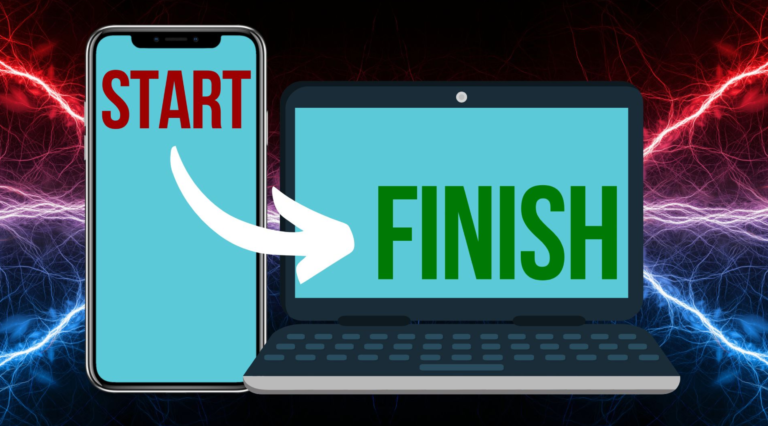
    Windows 11 Feature: Seamlessly Switch Between Devices

    BySheldon Livingston November 19, 2024November 19, 2024

    Windows 11 Hand Off Feature: Seamlessly Switch Between Devices
    Microsoft continues to enhance productivity with the new Windows 11 Hand Off Feature, designed to make working across devices effortless.

    If you often work on both your phone and PC, the Windows 11 Hand Off Feature is for you. Here’s how it works: Imagine being in a meeting or on the move, editing a document in Microsoft Word or another app on your phone. When you get back to your PC, a notification will pop up asking if you want to continue working

    Read More Windows 11 Feature: Seamlessly Switch Between DevicesContinue

  • Windows 11 Start Menu Update: Easier Sign-Out and New Features
    Educational

    Windows 11 Start Menu Update: Easier Sign-Out and New Features

    BySheldon Livingston November 12, 2024November 12, 2024

    Windows 11 Start Menu Update: Easier Sign-Out and New Features
    Why the Windows 11 Start Menu Update Was Needed
    Microsoft recently released an update to the Windows 11 Start Menu to improve user navigation and streamline account management. However, this update initially moved the “Sign Out” option into a three-dot menu, creating confusion for users trying to log out. Many found it hard to locate the button, which led to extensive feedback for Microsoft.

    Restoring the Sign-Out Button: Microsoft’s Response
    Microsoft…

    Read More Windows 11 Start Menu Update: Easier Sign-Out and New FeaturesContinue

  • Beware This Malware: It Tricks You Into Giving Up Login Details
    Educational

    Beware This Malware: It Tricks You Into Giving Up Login Details

    BySheldon Livingston November 5, 2024November 5, 2024

    How Cautious Are You and Your Team with Online Security?
    Most of us know the basics of online safety: watching out for phishing scams, avoiding dodgy downloads, and not clicking on suspicious links. But there’s a new and even sneakier malware that tricks users into giving up Google login details by forcing full screen mode and blocking navigation buttons.

    What Is This New Malware?
    This malware doesn’t have a catchy name yet, but it’s part of a larger threat called “Amadey”, which has been spreading rapidly since…

    Read More Beware This Malware: It Tricks You Into Giving Up Login DetailsContinue

  • Microsoft Edge’s Tools: Paving a Smoother Path for Construction Teams
    Educational

    Microsoft Edge’s Tools: Paving a Smoother Path for Construction Teams

    BySheldon Livingston October 29, 2024October 29, 2024

    Microsoft Edge’s New Tools: Simplified Settings for Construction Teams
    If you’ve ever tried to adjust a setting in Microsoft Edge and felt lost in a maze of options, this update is for you—especially for construction teams who need a more efficient workflow.

    Microsoft is simplifying the Settings page to make finding options easier. This is particularly helpful for construction teams working on-site, where quick access to information is crucial.

    What’s Changing?
    You’ll notice a new quick access panel under…

    Read More Microsoft Edge’s Tools: Paving a Smoother Path for Construction TeamsContinue

  • Backup Failures Account for One-Third of All Data Loss
    Educational

    Backup Failures Account for One-Third of All Data Loss

    BySheldon Livingston October 22, 2024October 22, 2024

    How Backup Failures Cause Data Loss
    Data backup failures are a major cause of data loss, with one-third of all incidents linked to unreliable backup systems. Losing access to your business’s data – even temporarily – can feel like a horror movie come to life. In today’s digital age, data loss can cripple operations, damage reputations, and lead to financial loss. Learn more about data loss causes.

    How Backup Tools Work
    Backup tools create copies of your data and store them safely. If something goes wrong, recovery…

    Read More Backup Failures Account for One-Third of All Data LossContinue

  • A free tool for more polished communication
    Educational

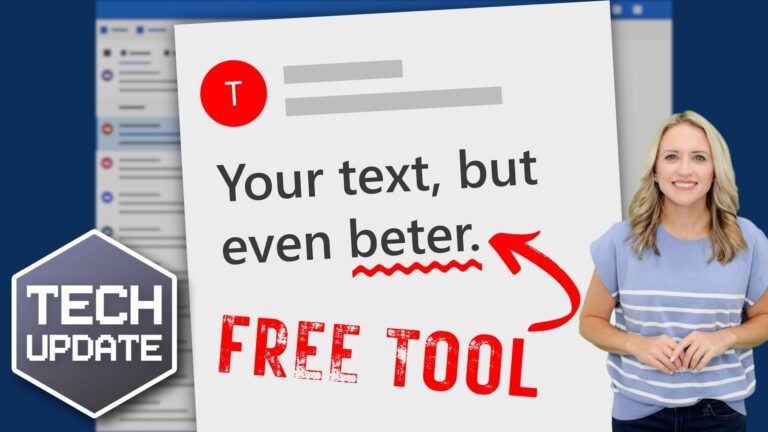
    Enhance Your Communication with This Free Tool

    BySheldon Livingston October 8, 2024October 8, 2024

    Boost Your Professionalism with This Free Communication Tool
    When sending emails, writing reports, or preparing presentations, small spelling mistakes can easily slip through the cracks. Unfortunately, these errors can undermine your professionalism, especially when communicating with clients or business partners.

    The good news? Windows 11 includes built-in spell check and autocorrect features that can help you avoid these common mistakes.

    Setting them up is simple, and once activated, you won’t need any additional…

    Read More Enhance Your Communication with This Free ToolContinue

  • Unlock your potential with Copilot
    Educational

    Maximize Your Potential with Copilot

    BySheldon Livingston October 1, 2024October 1, 2024

    Microsoft Copilot for Business Productivity: Unlock Your Team’s Potential
    Meet Your New AI Assistant with Microsoft Copilot
    Imagine having an assistant by your side that never gets tired, never misses a detail, and helps with everything from drafting emails to organizing meetings. Microsoft Copilot for Business Productivity offers just that, enabling your team to streamline their tasks and focus on what truly matters. In fact, it could be the game-changer your business needs to thrive.

    Sounds great, doesn’t…

    Read More Maximize Your Potential with CopilotContinue

  • You’re ready for the upgrade… what’s holding you back?
    Educational

    You’re all set for the upgrade—what’s stopping you?

    BySheldon Livingston September 24, 2024September 24, 2024

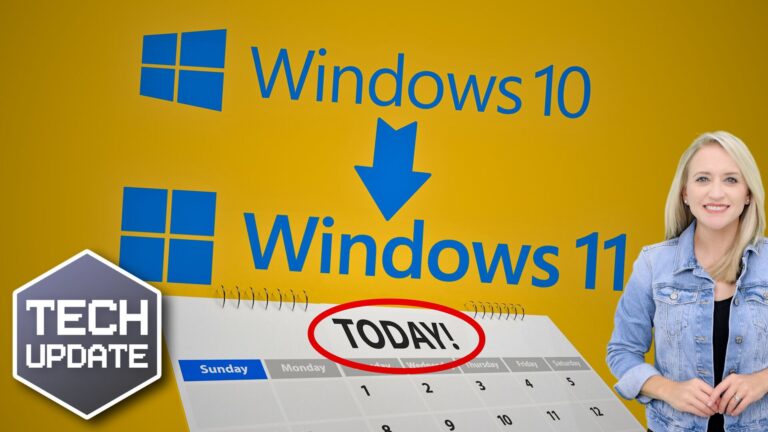
    With the end of Windows 10 support just over a year away, many business owners are questioning why they haven’t made the switch to Windows 11 yet. Are you one of them?

    Research shows that most businesses are ready to upgrade, but surprisingly, many are still hesitant—despite the fact that the upgrade is free and straightforward.

    A recent survey of over 750,000 Windows 10 systems found that 88% are running on hardware that fully supports Windows 11. Yet, 82% of businesses have not made the leap.

    This is concerning…

    Read More You’re all set for the upgrade—what’s stopping you?Continue

Page navigation

Previous PagePrevious 1 2 3 4 5 6 … 13 Next PageNext

Expert IT Support & Solutions for Pinellas County Businesses

© 2024 VSL Computer Services

  • IT Solutions
    • Managed Services
    • Backup & Recover
    • Managed Security
    • VoIP
    • Systems Integration
  • Pricing
  • Resources
    • Blog
    • Videos
    • Downloads
  • About Us
  • FAQ
  • IT Solutions
    • Managed Services
    • Backup & Recover
    • Managed Security
    • VoIP
    • Systems Integration
  • Pricing
  • Resources
    • Blog
    • Videos
    • Downloads
  • About Us
  • FAQ

Contact Us

(727) 524-8443

sheldon@vslcomputers.com


Monday – Friday

8:00 AM – 5:00 PM

Facebook Twitter Youtube Circle