Skip to content
sheldon@vslcomputers.com
(727) 524-8443
  • IT Solutions
    • Managed Services
    • Backup & Recover
    • Managed Security
    • VoIP
    • Systems Integration
  • Pricing
  • Resources
    • Blog
    • Videos
    • Downloads
  • About Us
  • FAQ
  • IT Solutions
    • Managed Services
    • Backup & Recover
    • Managed Security
    • VoIP
    • Systems Integration
  • Pricing
  • Resources
    • Blog
    • Videos
    • Downloads
  • About Us
  • FAQ
  • How many devices do you use every workday?
    Educational

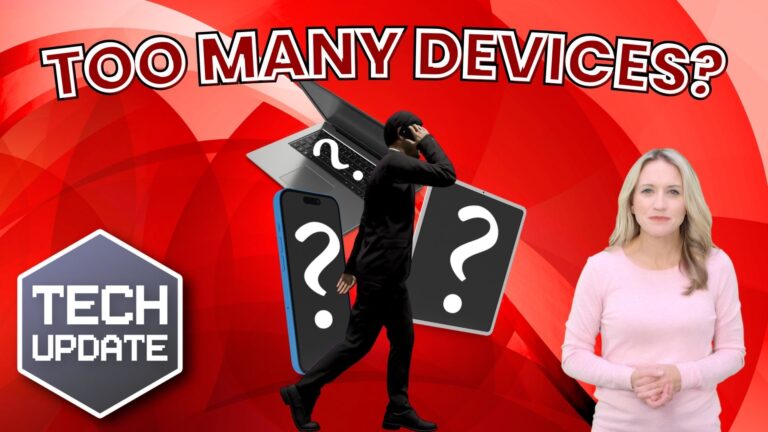
    Are You Carrying Too Many Work Devices?

    BySheldon Livingston February 11, 2025February 11, 2025

    Are You Carrying Too Many Work Devices? Here’s How to Lighten the Load
    Does it feel like you’re managing a small tech store just to get through your workday?

    The average professional now juggles at least three devices—laptops, tablets, headphones, and even multiple phones. While technology keeps us connected and efficient, it can also feel overwhelming.

    The Hidden Costs of Too Many Devices
    Every new device adds another thing to charge, another gadget to carry, and one more item to track. In fact, the combined
    Read More Are You Carrying Too Many Work Devices?Continue

  • Windows 11 uptake is at an all-time high – what are you waiting for?
    Educational

    Windows 11 Adoption is Surging – Is Your Business Ready?

    BySheldon Livingston February 4, 2025February 4, 2025

    Windows 11 Adoption is Surging – Is Your Business Ready?
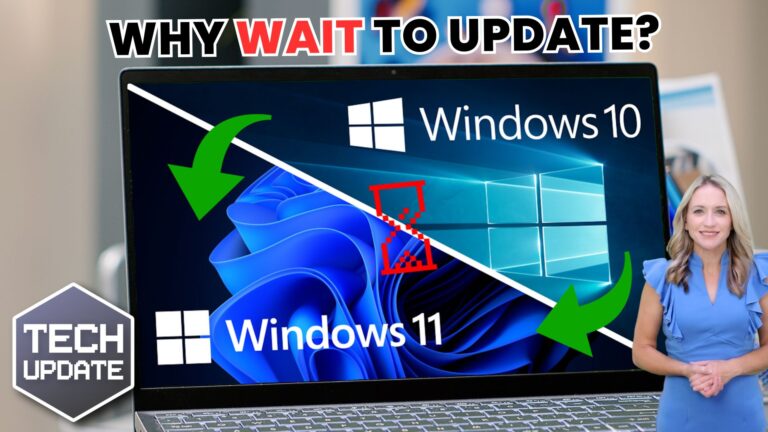
    Still running Windows 10 in your business? Now is the time to start planning your upgrade to Windows 11. 🚀

    Windows 11 Adoption is Growing Fast
    Three years after its launch, Windows 11 adoption for businesses is at an all-time high, with its market share hitting 35.55% in October 2024. While Windows 10 still leads with 60.97%, change is coming – and there are compelling reasons to switch.

    Windows 10 Support Ends Soon
    Here’s the big news: Windows 10..

    Read More Windows 11 Adoption is Surging – Is Your Business Ready?Continue

  • Time saver: Auto-launch your favorite Windows 11 apps
    Educational

    🚀 Boost Productivity: Auto-Launch Your Favorite Windows 11 Apps

    BySheldon Livingston January 28, 2025January 28, 2025

    🚀 Boost Productivity: Auto-Launch Your Favorite Windows 11 Apps
    Imagine this: You turn on your computer, and all the apps you need for the day are already open and ready to go. Sounds amazing, right? 💻✨

    With Windows 11, you can make this a reality by setting your favorite apps to launch automatically at login. It’s quick, simple, and a total game-changer for your productivity. 🙌

    How to Set Apps to Auto-Launch in Windows 11 🛠️
    Follow these steps to set it up for apps that support auto-launch:

    Go to…

    Read More 🚀 Boost Productivity: Auto-Launch Your Favorite Windows 11 AppsContinue

  • If Microsoft can pull this off, it’ll change your workflow forever
    Educational

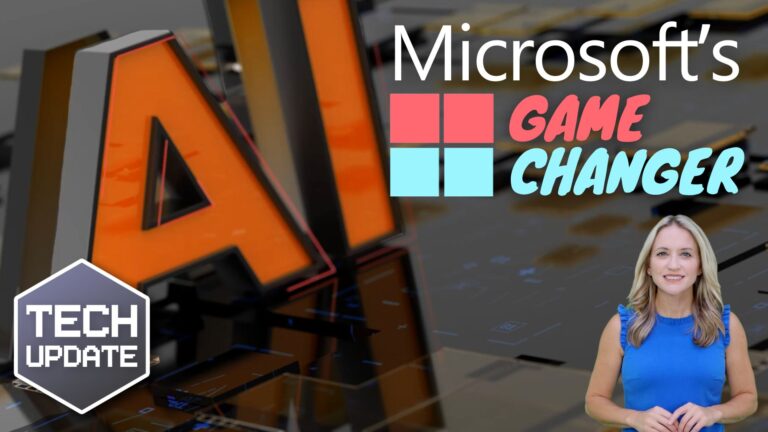
    How Microsoft’s AI Agents Could Revolutionize Your Workflow

    BySheldon Livingston January 21, 2025January 21, 2025

    https://vslcomputers.com/wp-content/uploads/2025/01/US-wc-2025-01-20-Tech-update-video-ready-to-use.mp4 Microsoft’s AI Agents: Revolutionizing Workflow Automation Microsoft’s AI agents, part of the innovative Windows Agent Arena project, are set to transform how you use your Windows 11 computer. These virtual assistants promise to automate repetitive tasks, enhance productivity, and streamline workflows like never before. What Are AI Agents? AI agents are advanced artificial intelligence…

    Read More How Microsoft’s AI Agents Could Revolutionize Your WorkflowContinue

  • Windows Hello gets a new look and improved security
    Educational

    Windows Hello: Enhanced Security and a Fresh New Look

    BySheldon Livingston January 14, 2025January 14, 2025

    Windows Hello: Enhanced Security and Sleek New Design
    Imagine never having to remember another password again. That’s the promise of Windows Hello, Microsoft’s biometric sign-in tool, which offers quick and secure access to your Windows 11 devices using just a glance or a touch.

    Windows Hello is now getting a major update, introducing not only a refreshed design but also enhanced security features tailored to meet the needs of busy professionals and business owners.

    What is Windows Hello?
    If you’re unfamiliar…

    Read More Windows Hello: Enhanced Security and a Fresh New LookContinue

  • Here’s how to fix that Windows 11 File Explorer glitch
    Educational

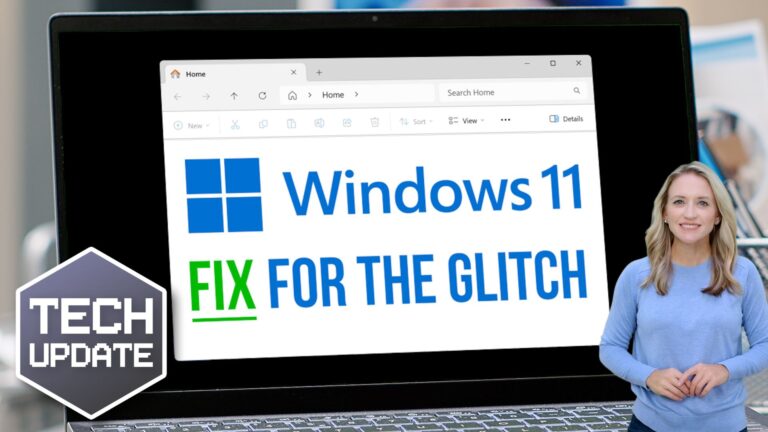
    How to Resolve the Windows 11 File Explorer Glitch

    BySheldon Livingston January 7, 2025January 6, 2025

    Fixing the Windows 11 File Explorer Glitch
    If you’ve installed version 24H2 of Windows 11 for your business, you might have noticed an annoying glitch in File Explorer.
    File Explorer is that familiar window you use to browse your files and folders. Normally, it’s straightforward – but some people are running into issues with the “See more” menu after downloading this update.
    The menu, which is marked by three little dots, usually pops up below your mouse cursor, giving you options like

    Read More How to Resolve the Windows 11 File Explorer GlitchContinue

  • Beware that “support call” – it could be a ransomware scam
    Educational

    Beware That ‘Support Call’ – It Might Be a Ransomware Scam

    BySheldon Livingston December 31, 2024December 31, 2024

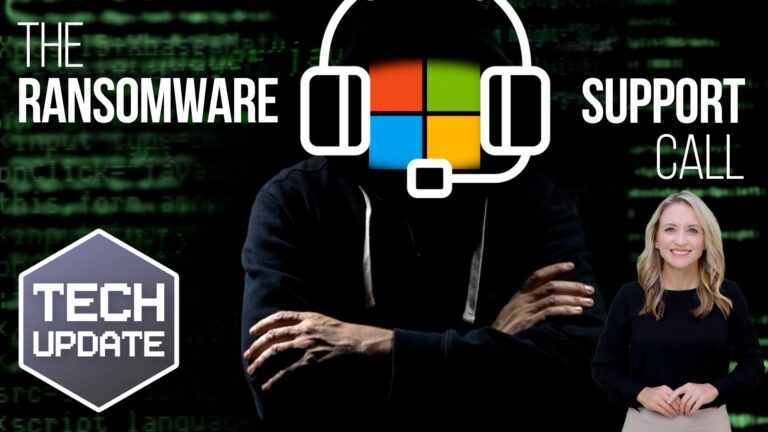
    Think Twice Before Answering That ‘Support Call’ – It Might Be a Ransomware Scam
    If you receive a call claiming to be from Microsoft Teams support, think twice before following their instructions. Cybercriminals are using a new tactic, posing as “help desk” staff to deceive employees into giving them control over their devices.

    The Rise of Ransomware Scams
    This scam is part of a larger ransomware attack strategy. In such an attack, scammers lock you out of your business data and demand a hefty payment to restore…

    Read More Beware That ‘Support Call’ – It Might Be a Ransomware ScamContinue

  • Email Security: Protecting Your Business from BEC Attacks
    Educational

    Email Security: Protecting Your Business from BEC Attacks

    BySheldon Livingston December 25, 2024December 25, 2024

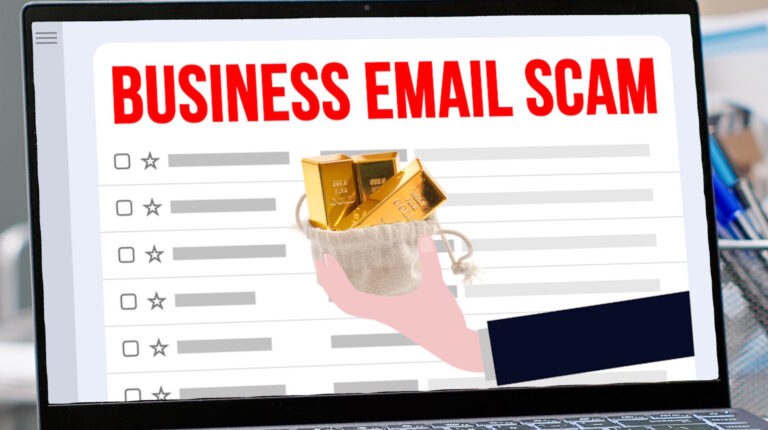
    Email Security: Protecting Your Business from BEC Attacks
    Email is an essential tool for any successful business, but as the saying goes, “with great power comes great responsibility.”

    As a business owner, it’s your responsibility to ensure your emails are secure. It’s one of the key ways to prevent your business data from falling into the wrong hands.

    Understanding Business Email Compromise (BEC)
    Business Email Compromise (or BEC) is a growing threat. If you become a target, it could cost you significantly.

    Read More Email Security: Protecting Your Business from BEC AttacksContinue

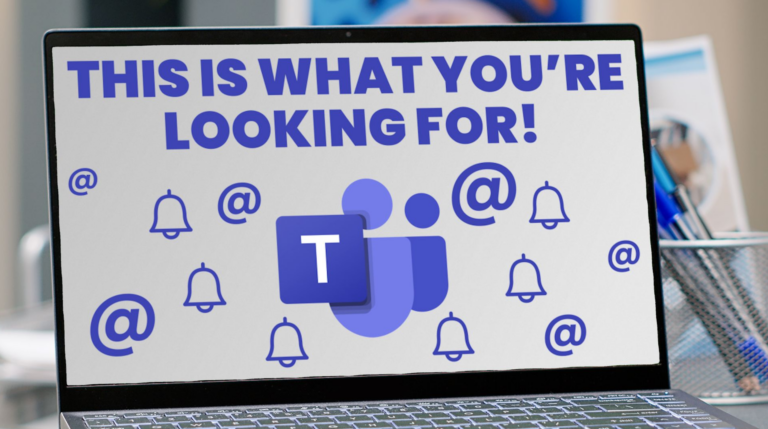
  • Enhance Your Business Productivity with This Teams Overhaul
    Educational

    Enhance Your Business Productivity with This Teams Overhaul

    BySheldon Livingston December 17, 2024December 17, 2024

    Microsoft Teams Update Simplifies Communication for Businesses
    Feeling lost in Microsoft Teams with endless chats, channels, and notifications? The latest Microsoft Teams update simplifies communication for businesses, making it easier than ever to streamline your workspace and stay organized.

    Microsoft Teams Update: A Central Hub for Conversations
    This new Microsoft Teams update groups everything under the Chat menu, creating a central hub for all your key conversations, notifications, and chats. It eliminates…

    Read More Enhance Your Business Productivity with This Teams OverhaulContinue

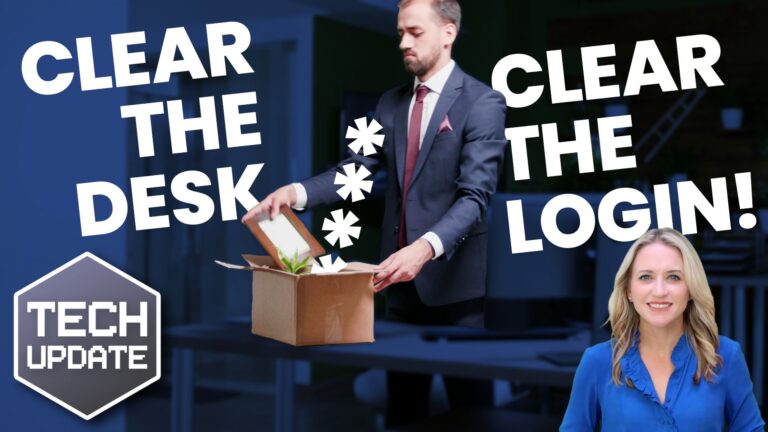
  • Security alert: Does your business have old logins for ex-staff?
    Educational

    Are Former Employees Still Accessing Your Systems?

    BySheldon Livingston December 10, 2024December 10, 2024

    Protect Your Business: Address Unused Logins and Subscriptions
    When someone leaves your business, you might be so wrapped up in the rush of everyday tasks that you forget to delete their login details.

    It’s easy to overlook. You’ll get around to it later, right?

    But unused login details could be a ticking time bomb for security breaches, leaving the doors wide open to cyber criminals. It can also be an unnecessary drain on your budget if you’re paying for old subscriptions you no longer need.

    A recent report…

    Read More Are Former Employees Still Accessing Your Systems?Continue

Page navigation

Previous PagePrevious 1 2 3 4 5 … 13 Next PageNext

Expert IT Support & Solutions for Pinellas County Businesses

© 2024 VSL Computer Services

  • IT Solutions
    • Managed Services
    • Backup & Recover
    • Managed Security
    • VoIP
    • Systems Integration
  • Pricing
  • Resources
    • Blog
    • Videos
    • Downloads
  • About Us
  • FAQ
  • IT Solutions
    • Managed Services
    • Backup & Recover
    • Managed Security
    • VoIP
    • Systems Integration
  • Pricing
  • Resources
    • Blog
    • Videos
    • Downloads
  • About Us
  • FAQ

Contact Us

(727) 524-8443

sheldon@vslcomputers.com


Monday – Friday

8:00 AM – 5:00 PM

Facebook Twitter Youtube Circle